
Summary
HeroMode v7.1 moves points and stats calculations from your device to our servers. The result? A much leaner app that loads faster and won't slow down your browser or phone.

HeroMode v7.1 moves points and stats calculations from your device to our servers. The result? A much leaner app that loads faster and won't slow down your browser or phone.


A few months ago, I wrote about clawing my way out of Piggy Debt. In that post, I shared charts showing my coin balance over time. I learned a couple of lessons in that exercise. First, data is motivating. Seeing my progress makes me want to do more. Second, it shouldn't have been that much work. I spent one full day pulling data manually, writing analysis script, and visualizing the trend.
Now, with HeroMode v7.0, you can see your Piggy Coins Trend directly in HeroMode!


In the newly released HeroMode v6.16, available now on the web and iOS, we introduce Magic Assist. Magic Assist makes it even easier to create a new quest: you can enter any text into the quest body, and Magic Assist will automatically select the correct adventure and create checkboxes for you!
If you also use voice input on your phone like me, you can create a nicely structured quest with checkboxes without having to type anything!

HeroMode just turned two years old! We also have a new release, v6.15, that rolled out a new yearly subscription that saves you money. In addition, now it's also easier to jump back in if you take a break - no stress about missed repeat quests!

In the newly released HeroMode v6.14, we make it easier to add multiple checkboxes in one go. It's so much smoother to add checkboxes, you might end up adding more than you need like I did!

In this blog post, we introduce a new HeroMode feature in the v6.13 release - Repeat on Demand! This helps you create flexible repeat quests for tasks that don't necessarily follow a strict schedule, such as workout routines, trip checklists, or intermittent chores. Check out this new feature and how it can help you organize and manage your tasks.
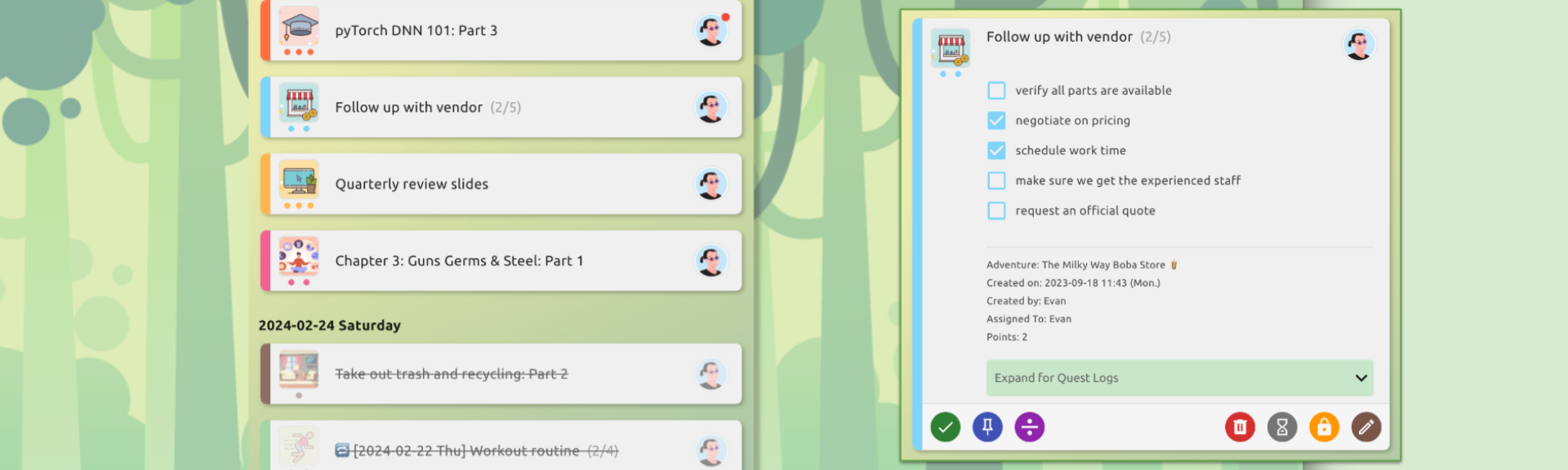
We've just released HeroMode v6.12 to the web app. This release adds checkbox status to the body of the quest, so you can get a quick glance on the status of your sub-tasks within a quest!

We have released a new version of the HeroMode web app with improved quest quick action experience! Now, to reveal the quest quick actions, simply click on the quest card. Click on the left hand side of the card to reveal the quick actions on the left hand side. Click on the right hand side of the card to reveal the quick actions on the right hand side. And, to go to the quest detail page, simply click on the middle of the quest card!
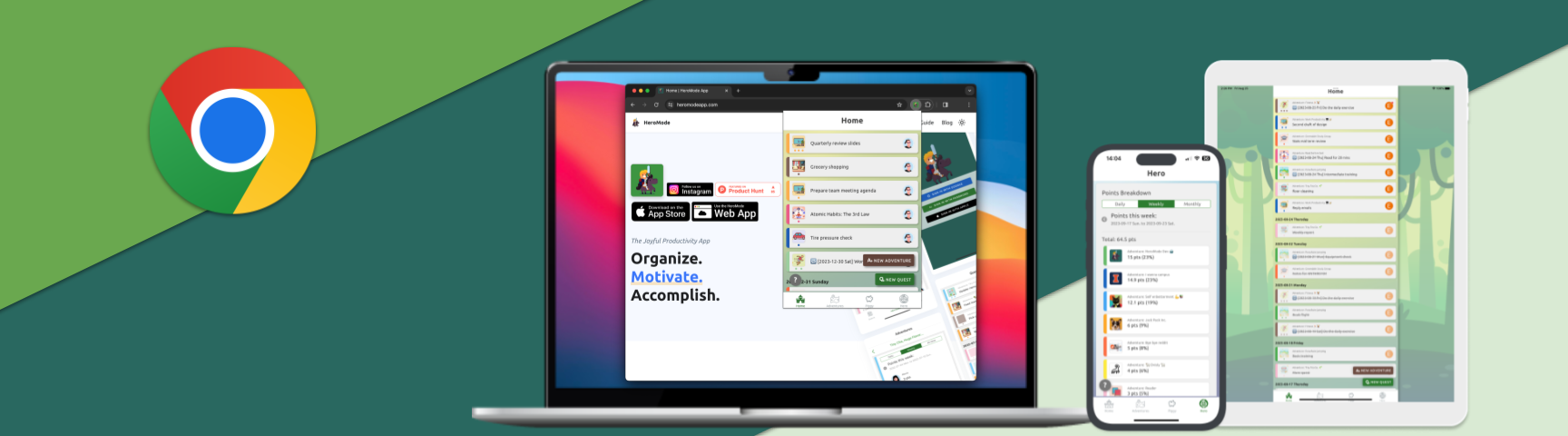
A new update to the HeroMode Chrome Extension is now available in the Chrome Web Store! This major update migrates from a side panel to a pop up experience, and also fixes an issue with Google authentication.