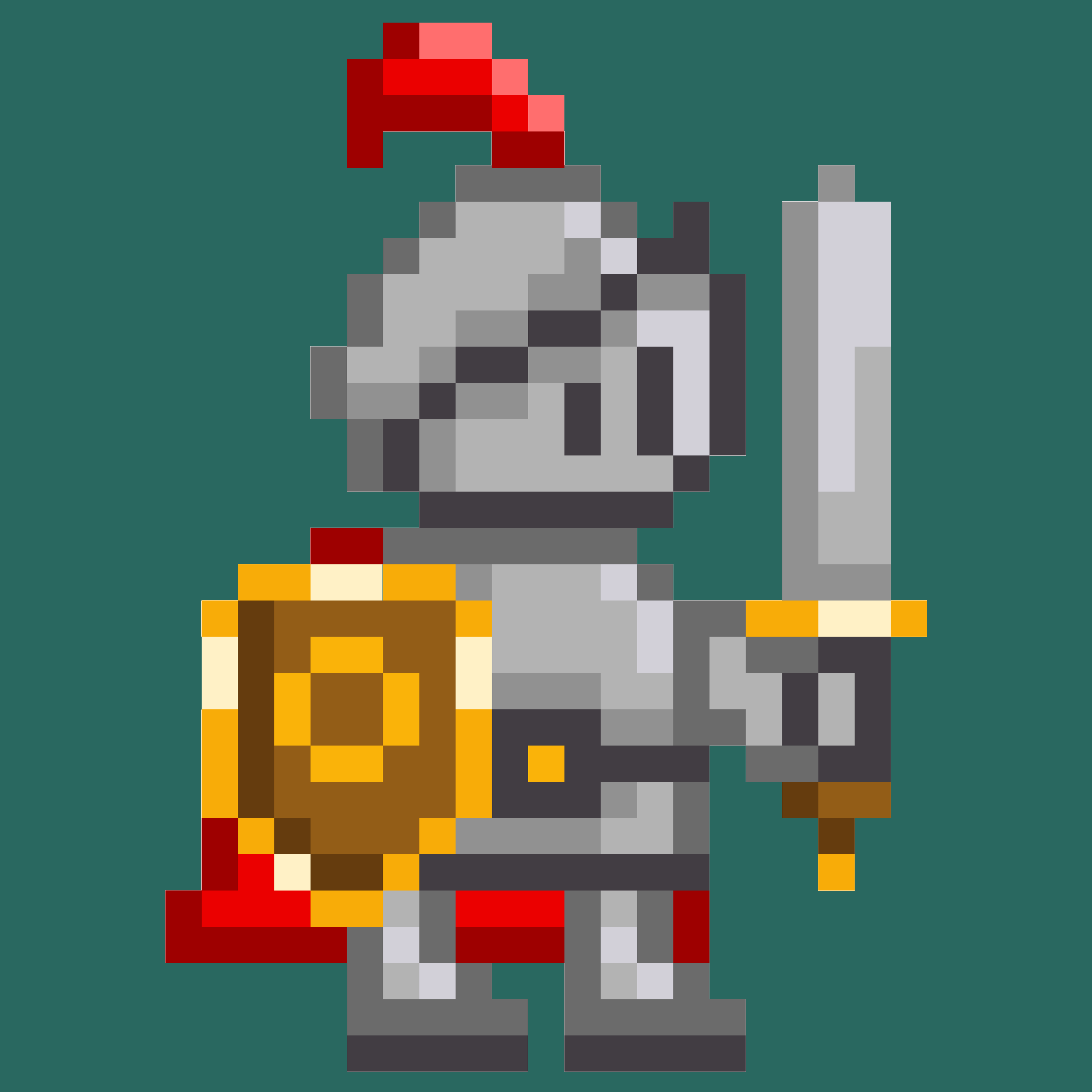

HeroMode v7.3 is a visual refresh: a new app icon, a new splash screen, and a rebuilt app homepage. Our pixel-art knight on horseback has retired after four years of service. Instead, a sword-wielding checkbox has taken up the quest. More importantly, the release brings a new welcome flow for first-time heroes, helping them into the saddle quicker.
Farewell, Pixel Knight
If you have had HeroMode on your phone for a while, you probably know the old icon well: a little pixel-art knight, sword raised, riding a horse and getting ready for any challenge. They have been with us since 2022, and we were fond of them.
But at the size an app icon actually appears - a small square on a crowded home screen - all that lovely pixel detail turned to mush. You could tell it was green; beyond that, you had to squint. And a knight on a horse says "fantasy game," while what HeroMode actually helps you do is finish things.
People have been telling us for years that we needed a new app icon. Now, thanks to a smooth collaboration among Nano Banana, Claude Design, Figma, and the ever-so-reliable ImageMagick, we finally have one to present to you.
Meet the New Icon
The new icon is a checkbox. It has a checkmark, two eyes, a big grin, and a sword.
Tasks are mostly boring. Checkboxes are mostly boring. HeroMode is here to make them a bit more fun and exciting. That is what we wish to convey with this new icon.
You will now see this smiling checkbox on the splash screen, the login screen, and our newly redesigned HeroMode website.
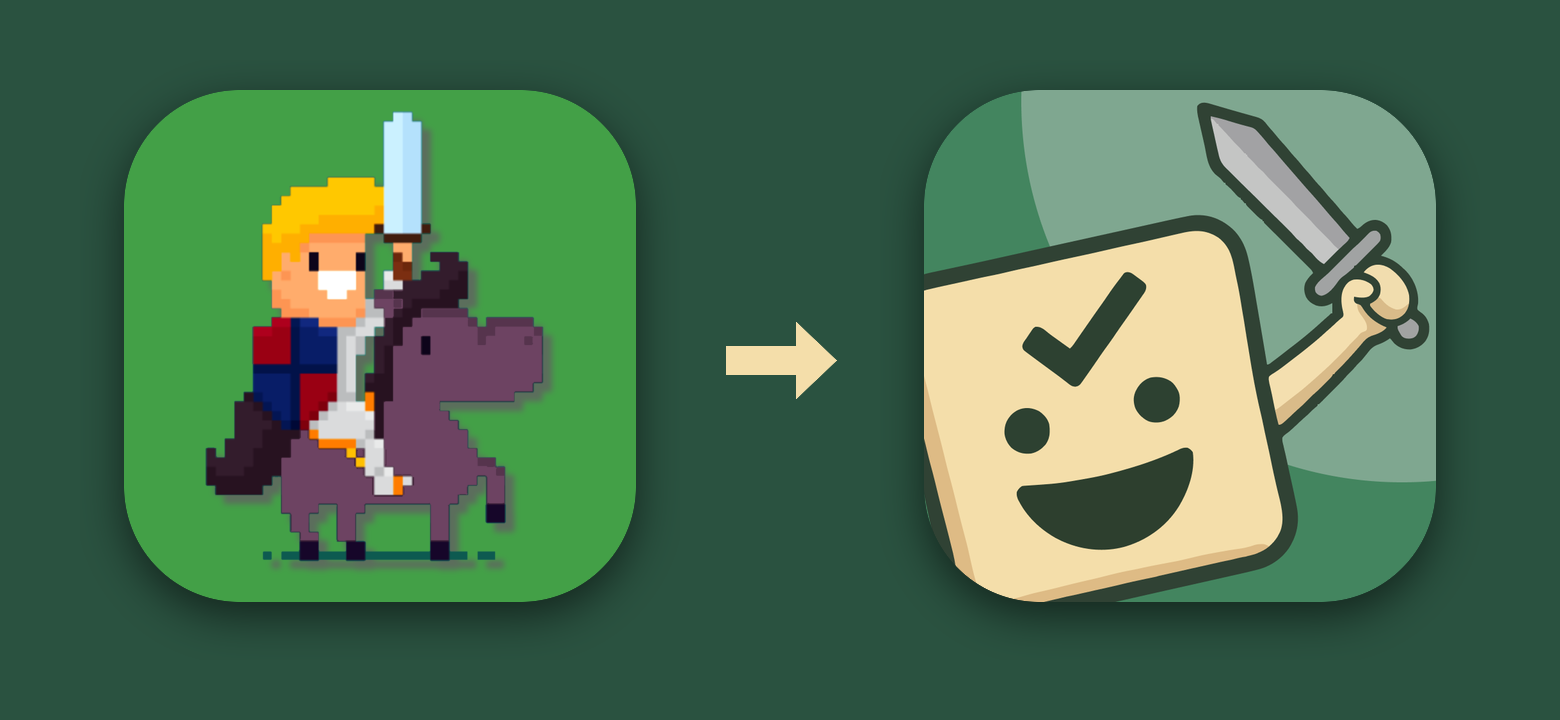
Above: Four years of faithful service (left), and the new hero (right).
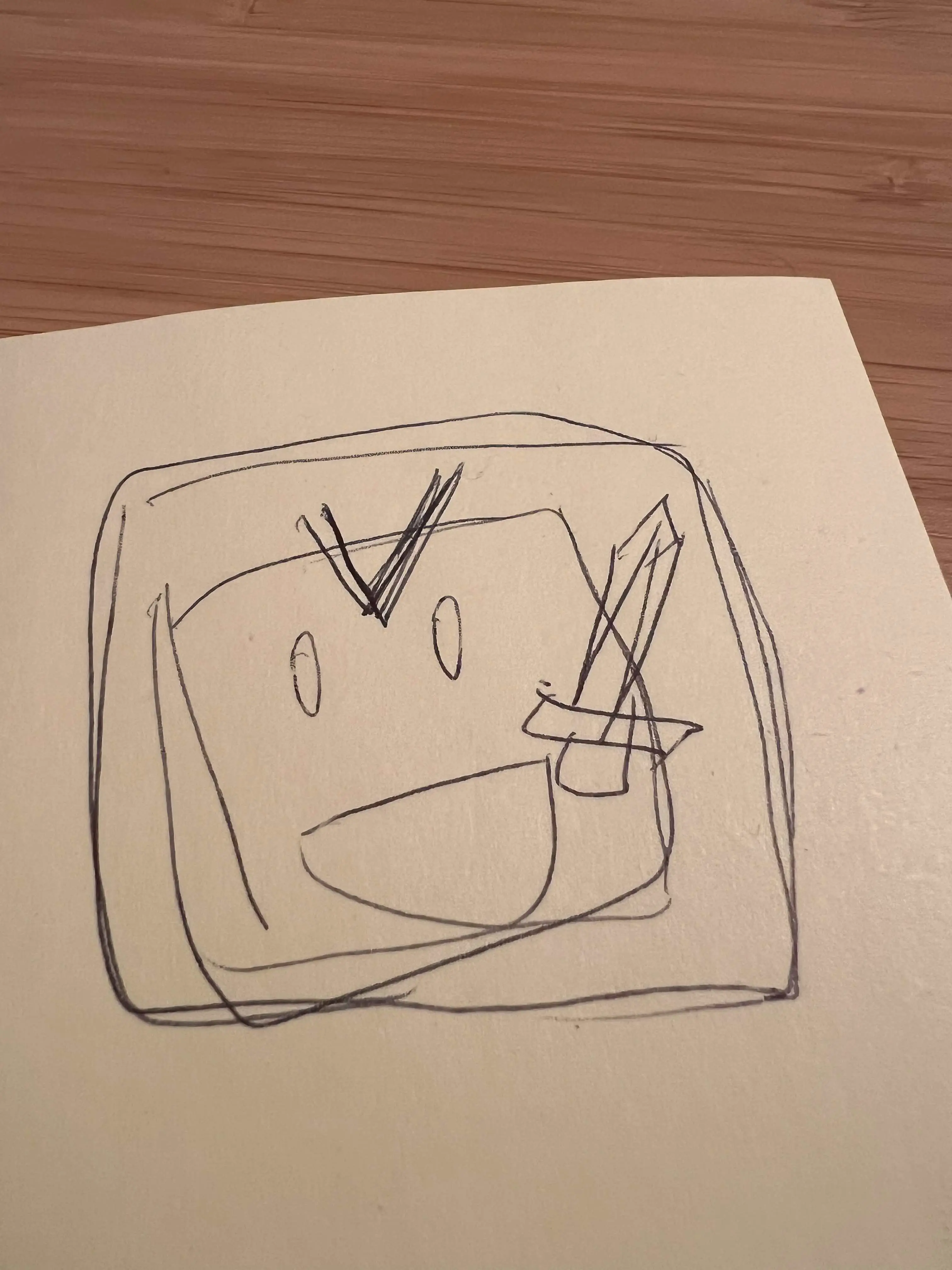
Above: The original design of the new icon.
A Real Welcome for New Heroes
Now for the part that is not purely cosmetic.
Until now, a brand new HeroMode account started out empty. You would sign up, land on a blank screen, and be left to work out what an adventure was, what a quest was, and how coins fit in. That is a lot to ask of someone in their first minute. We had painstakingly added a slider-based onboarding flow - but it was confusing and ineffective.
In v7.3, signing up starts a proper welcome flow. It says hello, explains the three ideas that make HeroMode work, and then walks you through creating your first adventure and your first quest.
There are starter adventures to pick from, each with a few suggested quests. You can always write your own instead, or skip the guide entirely if you already know what you are doing.
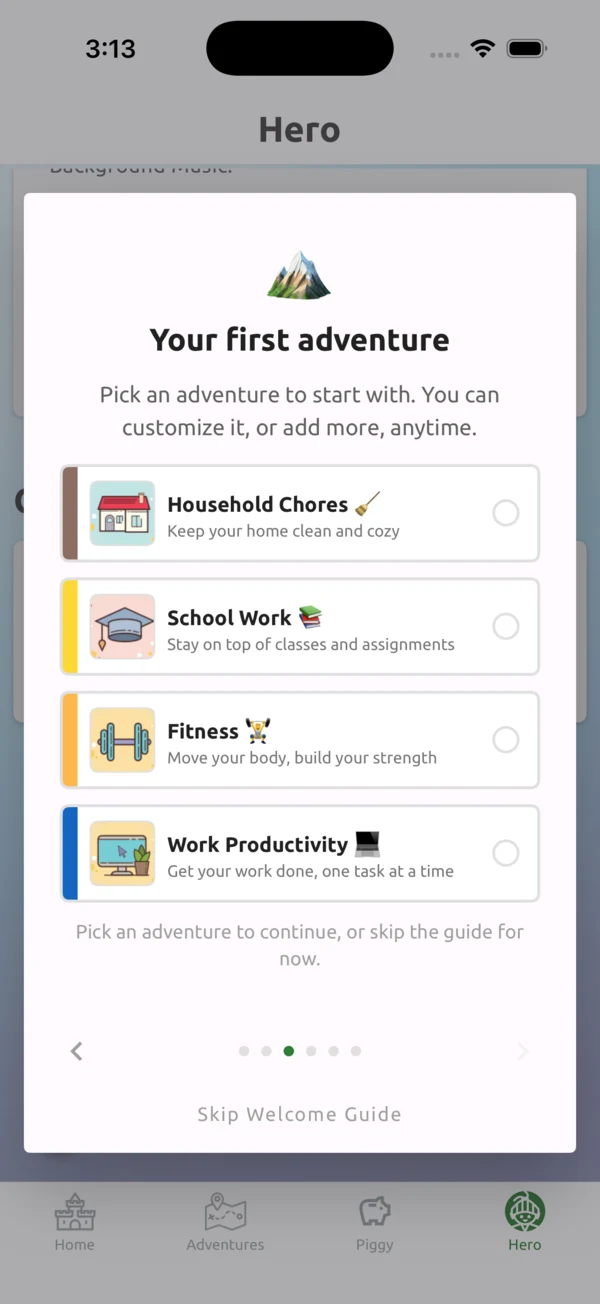
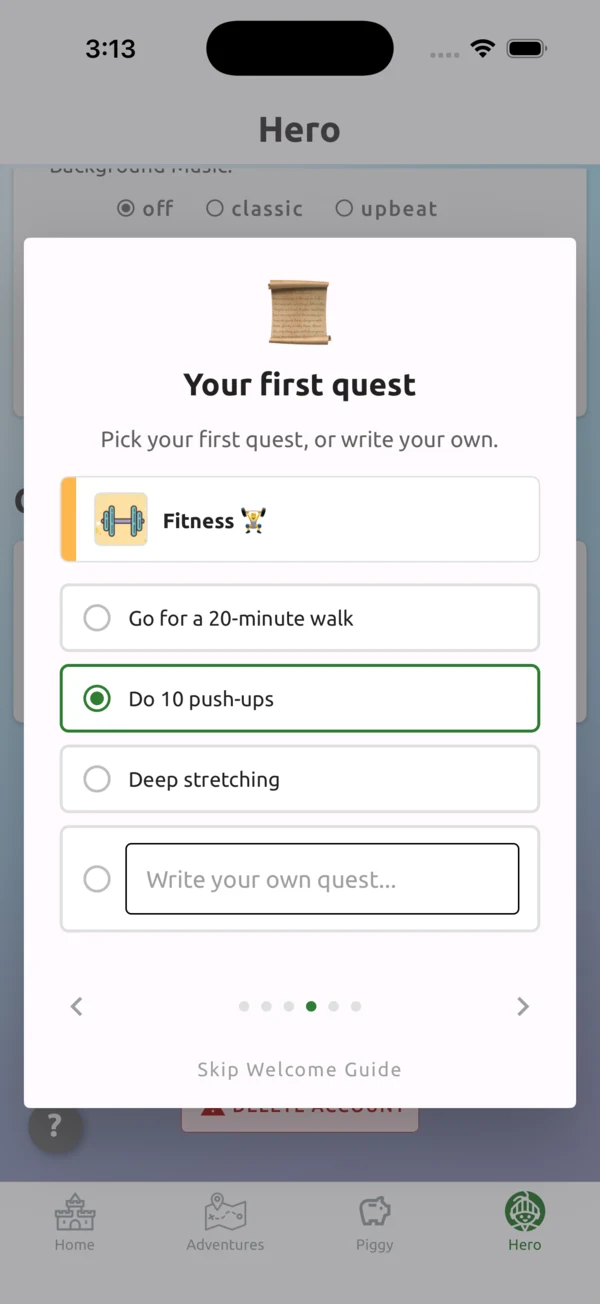
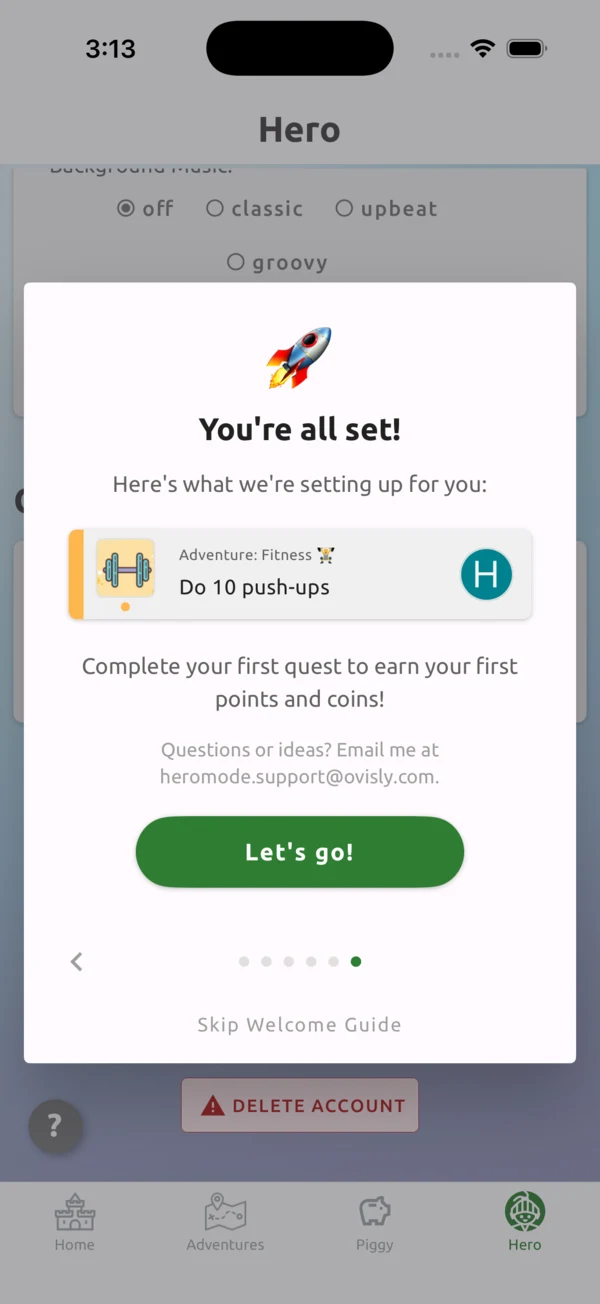
Above: The whole flow in three steps - pick an adventure, pick a first quest, and you are set up and ready to go.
Also in This Release
- The Hero page is tidier: one scrollable page with Stats, Account, Settings, and Getting Help sections, instead of hiding half of them behind a separate "Manage Account" screen. Nothing was removed; the sound settings are simply findable now.
- A smaller app download, thanks to slimmed-down music and image files.
Let Us Know What You Think
We know some of you will miss the knight. They are not gone forever - just off duty, and we may well find them a new home somewhere in the app.
In the meantime, we would love to hear what you think of the new look, and how the welcome flow feels if you are just starting out. Write to us any time at heromode.product@ovisly.com.
Onward, heroes! And thank you for riding with us all these years 🐴.